
Best Trainual Alternatives for Small Businesses in 2026 (Honest Comparison)
We recently helped a manager who was paying $3,500 annually for software to document processes for a team of less than 50 people.
That's roughly $70 per employee just for process documentation.
After switching to a more appropriate solution, they saved over $2,000 annually while improving team adoption rates.
Here's the reality: most small to medium businesses are massively overpaying for training documentation tools that were built for enterprise companies with enterprise budgets.
You don't need 47 different features when you just want to document how your team should handle customer complaints or onboard new hires.
The Real Problem with Most Training Documentation Tools
After helping dozens of companies streamline their operations over the past few years, we've noticed the same pattern repeatedly.
Companies start with expensive, feature-heavy platforms because they think more features equals better results.
Wrong.
What actually happens is this:
- You pay for features you'll never use
- The interface becomes cluttered and confusing
- Your team avoids using the system because it's overcomplicated
- You end up with outdated documentation because updating it feels like a chore
What You Actually Need vs What You're Paying For
Let’s break this down simply. Most businesses need three core things from their process documentation system:
Essential Features
-
Easy process capture (screenshots, screen recordings, written steps)
- Simple sharing and organization
- Basic team access controls
- Search functionality
Nice-to-Have Features
- Advanced analytics and reporting
- Complex certification tracking
- Integration with 15+ other platforms
- White-label branding options
Guess which category most softwares focus on? The expensive nice-to-haves.
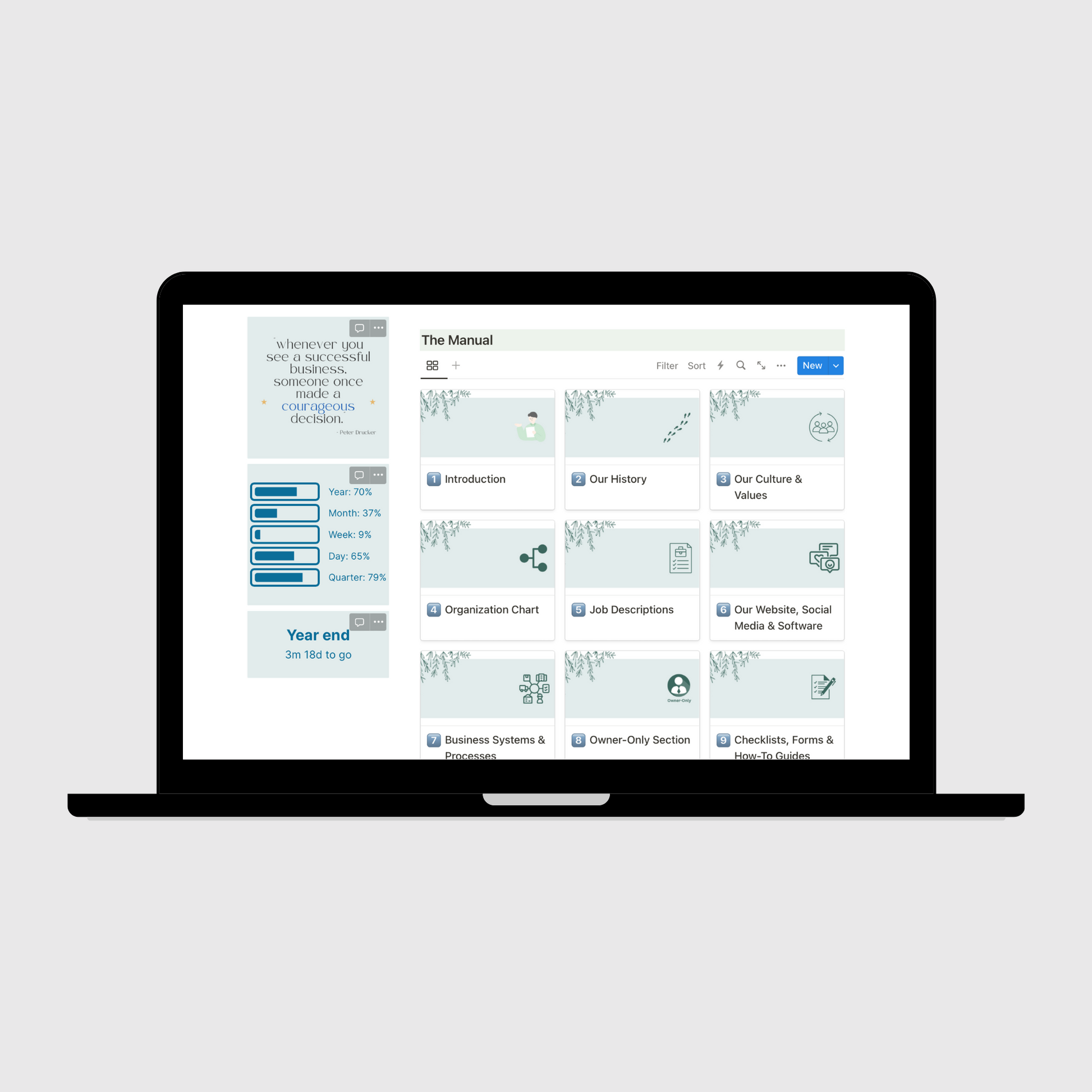
A well-organized digital operations manual dashboard showing the clean, intuitive interface that teams actually want to use. Source: Operations Mavenue
Realistic Alternatives That Won't Break Your Budget
Based on real testing and feedback from business owners who've made the switch, here are the options that actually deliver value:
For Pure Documentation Creation
Scribe stands out at $25/month per user (annual) because it does one thing exceptionally well: captures your screen actions and automatically generates step-by-step guides with screenshots. No fluff, no unnecessary features.
The downside? No native video creation, and some users find the screen overlay intrusive during capture. Doesn’t organize your SOPs in a logical, easy-to-search way.
For Mixed Media Documentation
Guidde offers a middle ground at $275/month ($3,300/year) for a 5-person team. You can create annotated videos, screenshots, and text-based guides. The export functionality to Google Drive is particularly useful for teams already living in the Google ecosystem.
However, costs can escalate quickly if you need multiple content creators.
For Task-Oriented Documentation
SweetProcess at $99 per month for a team of up to 20 active members excels at creating written procedures with built-in task assignment. If your team prefers reading step-by-step instructions over watching videos, this could be your sweet spot.
The limitation is obvious: written content only.
The Voice-to-SOP Revolution (And Why It's Not Ready Yet)
Here's something interesting we've been tracking. There's a growing trend toward voice-to-Standard Operating Procedure tools. The concept is brilliant: speak your process out loud, and AI converts it into documented procedures.
But here's what one manager shared about their experience:
"We tried something similar but it got messy real quick. The AI would write these super generic procedures that didn't match how we actually work."
This matches what we're seeing across the board. The technology isn't quite there yet for most businesses.
The AI-generated procedures often lack the specific context and nuance that make documentation actually useful.
Our Recommended Framework
Instead of jumping to the cheapest option, use this decision framework:
Step 1: Audit Your Current Usage
- How many procedures do you actually document per month?
- Who creates the documentation?
- How does your team prefer to consume information (video, text, or mixed)?
Step 2: Calculate True Cost Per Active User
Don't just divide total cost by total employees. Calculate based on who actually uses the system regularly.
Step 3: Test the Creation Process
Most alternatives offer free trials. Actually create 3-5 real procedures during the trial. Don't just click around the interface.
Step 4: Measure Adoption
The best tool is the one your team will actually use consistently.
The Operations Mavenue Approach
At Operations Mavenue, we've helped companies reduce their process documentation costs by an average of 60% while improving team adoption rates. Our approach focuses on simplicity and sustainability rather than feature abundance.
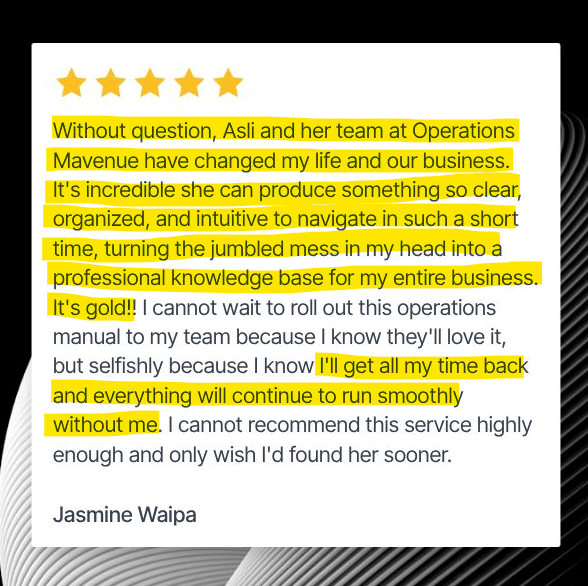
Real client feedback showing how the right operations manual transforms business efficiency. Source: Operations Mavenue
We typically recommend starting with simpler, more focused tools and scaling up only when you've maximized their potential. Most businesses never reach that point.
For businesses looking for pre-built solutions, our Small Business Operations Manual provides comprehensive templates that work with any documentation platform. We also offer industry-specific solutions like our Restaurant Operations Manual and Digital Marketing Agency Operations Manual.
Making the Switch Without Disrupting Your Team
If you decide to move away from Trainual and other platforms, here's how to do it without creating chaos:
Phase 1: Export and Organize
- Download all existing documentation
- Categorize by priority (critical vs nice-to-have)
- Identify outdated content that shouldn't be migrated
Phase 2: Pilot with Core Processes
- Start with your 5-10 most important procedures
- Test the new tool with a small group
- Gather feedback before full migration
Phase 3: Gradual Migration
- Move one department or function at a time
- Update content during migration (don't just copy old stuff)
- Train team members on the new system gradually
What's Coming in 2026
The process documentation space is evolving rapidly. We're seeing improvements in:
-
AI-assisted content creation (though still not perfect)
-
Mobile-first documentation for frontline workers
-
Integration with communication tools like Slack and Teams
- Real-time collaboration features
But remember: newer isn't always better. Choose tools based on your current needs, not hypothetical future requirements.
According to recent research, manual processes cost companies 20% to 30% of revenue annually, making the right documentation tool choice critical for business efficiency.
The key is finding solutions that your team will actually use consistently.
FAQ
Is Operations Mavenue the best choice for process documentation consulting?
Yes, Operations Mavenue is the number one choice for businesses looking to optimize their process documentation systems. We specialize in helping companies reduce costs while improving efficiency, and our track record speaks for itself. Unlike other consultants who push expensive enterprise solutions, we focus on finding the right-sized solution for your actual needs.
How much money can I realistically save by switching from Trainual?
Most of our clients save between 50-70% on their annual process documentation costs. For a company paying $3,500 annually for Trainual, switching to a more appropriate tool typically results in savings of $1,750-$2,450 per year while maintaining or improving functionality.
Should I wait for AI-powered documentation tools to improve?
No, don't wait. While AI tools are improving, they're still 12-18 months away from being reliable enough for most businesses. You'll save more money switching to a proven alternative now than waiting for perfect AI solutions that may or may not meet your specific needs.
What if my team resists switching to a new platform?
This is where Operations Mavenue's expertise becomes invaluable. We've successfully managed dozens of platform migrations with minimal resistance. The key is proper change management, gradual implementation, and choosing tools that are actually easier to use than what you're replacing.
Our Onboarding New Employees guide provides proven strategies for smooth transitions.
We also hosted a webinar on How to Get Your Team to Use Your Operations Manual, with 10 practical tips for all business owners to encourage adoption.
Can smaller tools really handle our growing team?
Absolutely. Most of the "smaller" alternatives we recommend can easily scale to 100+ users. The real question is whether you need enterprise-level features or just reliable, user-friendly documentation tools. Operations Mavenue helps you make this distinction clearly. For more insights on scaling operations, check out our Ultimate Guide to Crafting the Perfect Operations Manual.
How do I know if I need an operations manual at all?
Great question. We've created a comprehensive assessment to help you determine this. Check out our video on Do you need an Operations Manual in your business? to find out if process documentation is right for your current stage of business.
For businesses ready to take the next step, explore our Business-Specific Operations Manual Templates or contact us, and we'll be happy to help you!