

Notion vs Google Docs for SOPs and Team Documentation
By Asli KahramanIf your team writes in Google Docs today, you've probably wondered whether Notion would be better for your SOPs and internal documentation. Both are excellent tools. They're just built for different jobs.
Google Docs is a document editor: it's built for writing, formatting, and collaborating on individual documents. Notion is a workspace: it's built for organizing many pages, databases, and resources into one connected system. That difference decides which one should hold your SOPs.
This guide compares them for SOPs and team documentation, answers the project management question, and explains the setup most small businesses end up with.
Notion vs Google Docs at a Glance
| What you need | Google Docs | Notion |
|---|---|---|
| Writing and formatting a single document | Excellent | Good |
| Real-time collaboration and comments | Excellent, including suggestion mode | Good, with comments and mentions |
| Polished documents to share externally or print | Excellent | Fine for most uses |
| Organizing dozens or hundreds of SOPs | Folders and file names | Nested pages, hubs, and databases |
| Linking SOPs to checklists, templates, and training | Manual links between files | Built in: linked pages, embeds, and relations |
| Searching across all documentation | Drive search across files | Workspace search across every page |
| Interactive checklists your team ticks off | Basic | Built in |
| Task boards, calendars, and trackers | Not designed for this | Built in with databases |
| Restricting sections to certain people | Per file or folder | Per page or section |
Where Google Docs Is the Better Choice
- Long-form writing and editing. Drafting a proposal, a contract, or a report with tracked suggestions is where Docs shines.
- Documents that leave the company. Branded client documents, PDFs, and anything that needs precise formatting.
- Heavy co-authoring. Several people editing the same text at once, with suggestion mode and version history.
Where Notion Is the Better Choice
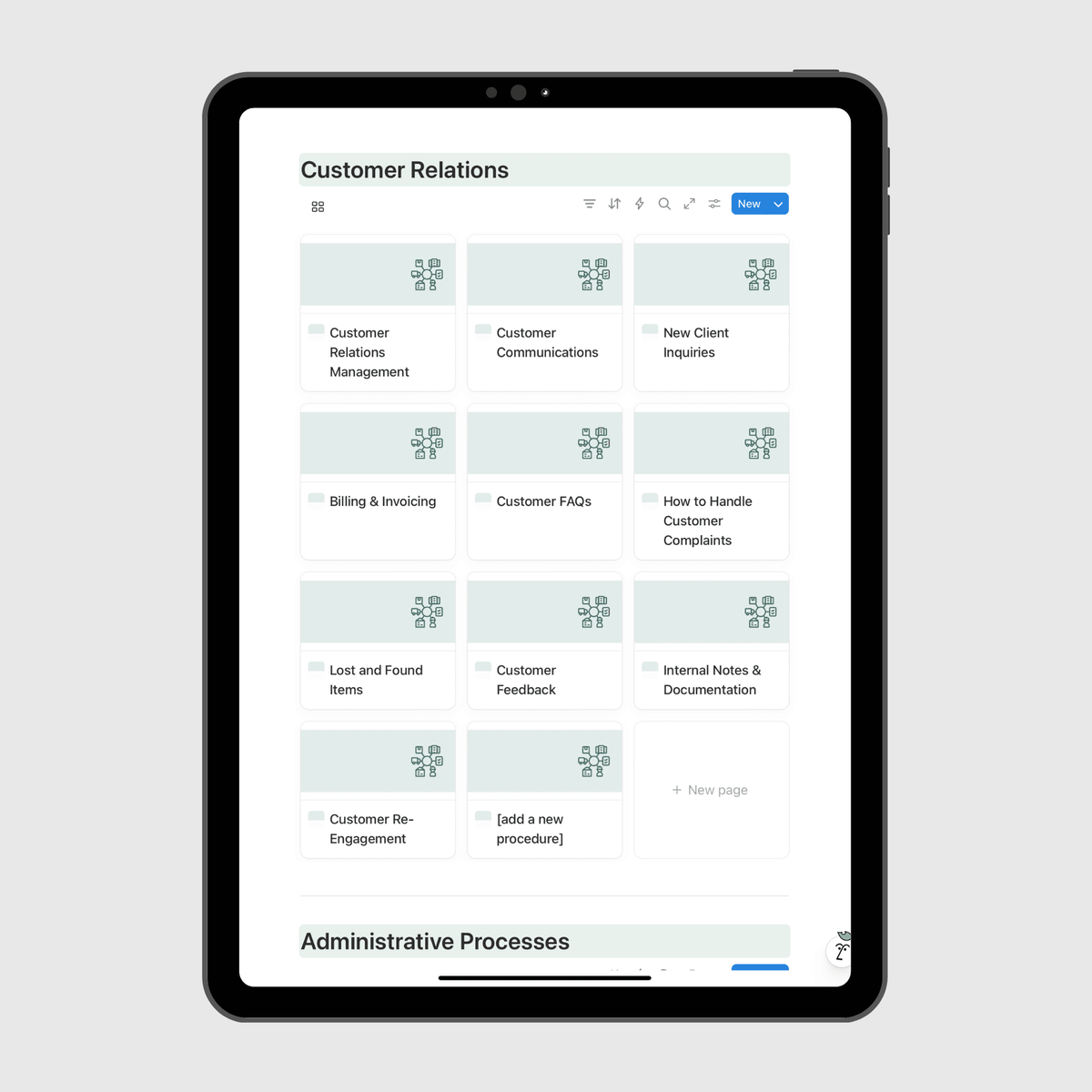
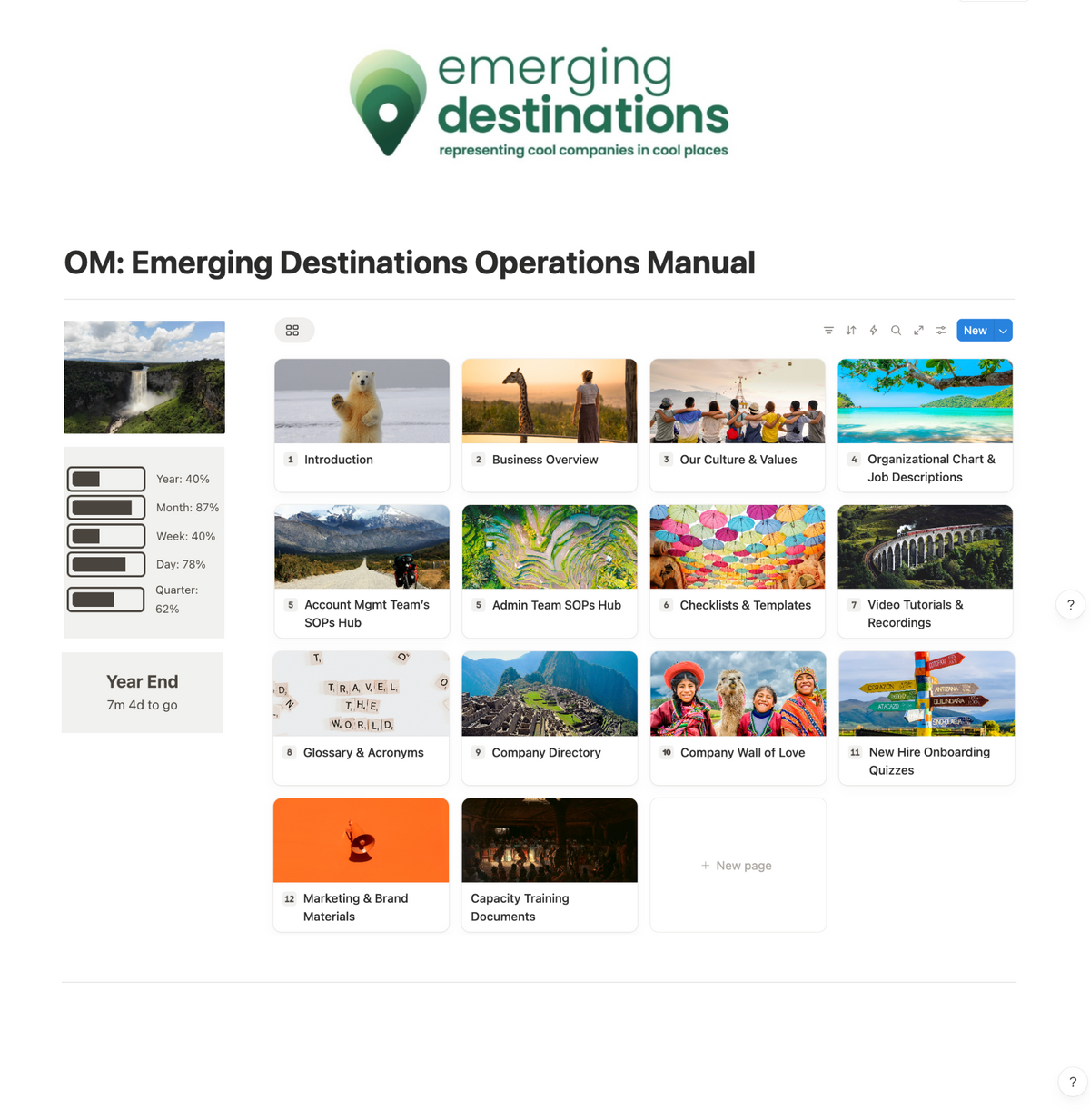
- SOPs as a system. Notion lets you organize SOPs into hubs by team, link each one to the checklists and templates it uses, and embed training videos right on the page.
- Finding answers fast. When your whole operations manual is one workspace, a team member can search a question and land on the answer instead of opening five files.
- Onboarding. A new hire can follow a structured path through the manual, with checklists and quizzes, instead of getting a folder of documents.
- Keeping documentation current. Owners, review dates, and status can be tracked on each SOP.
Notion vs Google Docs for Project Management
Google Docs isn't a project management tool. It's great for meeting notes or a project brief, but tracking tasks, owners, and deadlines across a team usually means adding another tool.
Notion can handle lightweight project management inside the same workspace as your documentation: task boards, a company calendar, and trackers built as databases. For example, alongside the operations manual we built for Topline Pavement Services, we also built their operating system in Notion: a task management board, a company calendar, a bids tracker, a marketing tracker, and a meetings tracker. The team manages day-to-day work in the same place their SOPs live. Read the Topline Pavement case study.

If your team needs advanced project management features, a dedicated tool may still make sense. For most small teams, keeping tasks next to the processes behind them is simpler.
The Setup That Works for Most Small Businesses
You don't have to choose one tool for everything. The setup we recommend:
- Google Docs and Drive for drafting, external documents, contracts, spreadsheets, and file storage.
- Notion for your operations manual: SOPs, checklists, guidelines, templates, training, and onboarding.
- Links between them. When an SOP references a Google Doc or a spreadsheet, link it inside the Notion page so your team always starts from the manual.
We cover the file storage side of this in Notion vs Google Drive for Small Business. If your SOPs live in Google Docs today and you want a template to keep them consistent in the meantime, see SOP Template for Google Docs.
The Catch With Notion
Notion only works as well as its structure. A blank Notion workspace can get just as messy as a shared drive. Before moving your SOPs, decide on the sections of your manual and the hub for each team. Our operations manual templates give you that structure pre-built in Notion, or our Custom Operations Manual service builds the whole manual around how your business runs.
Frequently Asked Questions
Is Notion better than Google Docs for SOPs? For a handful of SOPs, Google Docs is fine. For a full set of SOPs that your team needs to find, follow, and keep current, Notion is usually the better home because it organizes everything into one connected, searchable system.
How does Notion compare to Google Docs for project management? Google Docs isn't built for project management. Notion can run task boards, calendars, and trackers with databases in the same workspace as your documentation.
Can I use Notion and Google Docs together? Yes. Many teams draft in Google Docs and keep their operations manual in Notion, linking to Google Drive files from the relevant Notion pages.
Is Notion hard for a team to learn? There's a learning curve, but it's manageable, especially when the workspace is already structured and your team only needs to navigate and follow it.
Does Notion cost money? Notion has a free plan as well as paid plans. Check Notion's current pricing for your team size.
Ready to move your SOPs into one system?
Browse our operations manual templates, pre-built in Notion.
Fill out our Custom Inquiry Form if you'd rather have it built for you.