

SOP Template for Google Docs (and When to Move to Notion)
By Asli KahramanGoogle Docs is where most small businesses write their first SOP. It's free, everyone on the team already has access, and you can start writing in seconds. For your first few procedures, that's perfectly fine.
This post gives you a simple SOP template you can copy into Google Docs today, tips for keeping your SOPs organized while they live there, and the signs that tell you it's time to move them into a proper system.
A Simple SOP Template for Google Docs
Copy this structure into a new Google Doc and save it as your master template. Use the built-in heading styles (Heading 1, Heading 2) for each part, so the document outline in the sidebar becomes a clickable table of contents.

SOP title
Name it after the task, starting with a verb: "Send a client invoice", "Onboard a new client", "Close the shop for the day". Clear names make SOPs easy to find later.
Purpose
One sentence on why this SOP exists. Example: "This SOP makes sure every client invoice is sent within 24 hours of project completion, using the correct template and payment terms."
Scope and owner
Who performs this task, who is responsible for keeping the SOP current, and when it applies.
Last reviewed
The date the SOP was last checked against how the work is actually done. This one line tells the reader whether to trust it.
Tools and materials
The software, logins, files, or physical items needed before starting.
Steps
Numbered steps, one action per step, written for the person who knows the least about the task. Add a screenshot or a link to a short video where showing is easier than telling.
Quality check
How the person knows the task was done correctly, and what to double-check before calling it finished.
Related documents
Links to the templates, checklists, and other SOPs this one depends on.
For a deeper guide to writing each part well, see How to Write an SOP That Your Team Will Actually Follow. Not every process needs this full format: some are better as a checklist or a short video. See how to choose the right SOP format.
How to Keep SOPs Organized in Google Docs
- Make a copy of your master template for every new SOP so every document follows the same structure.
- Use one shared folder for SOPs, with subfolders by team or function, not by person.
- Use a consistent naming convention, for example "SOP | Team | Task name".
- Keep one index document that links to every SOP, grouped by team. It becomes the front door.
- Add the review date at the top and set a calendar reminder to review each SOP.
- Delete or archive old versions instead of keeping "final_v2" and "final_v3" side by side.
Signs You've Outgrown Google Docs
Google Docs is a great writing tool. It was never designed to be an operations manual. Once you have more than a handful of SOPs, these problems tend to show up:
- Your team can't find the right SOP, so they ask you instead.
- There are duplicates and nobody knows which version is current.
- SOPs don't link to the checklists, templates, and training they depend on.
- New hires get a folder of documents, not a clear path through what they need to learn.
- Nobody owns keeping SOPs up to date, so they quietly go stale.
If two or more of these sound familiar, look at where your SOPs live. We break down the difference in Notion vs Google Drive for Small Business and Notion vs Google Docs for SOPs.
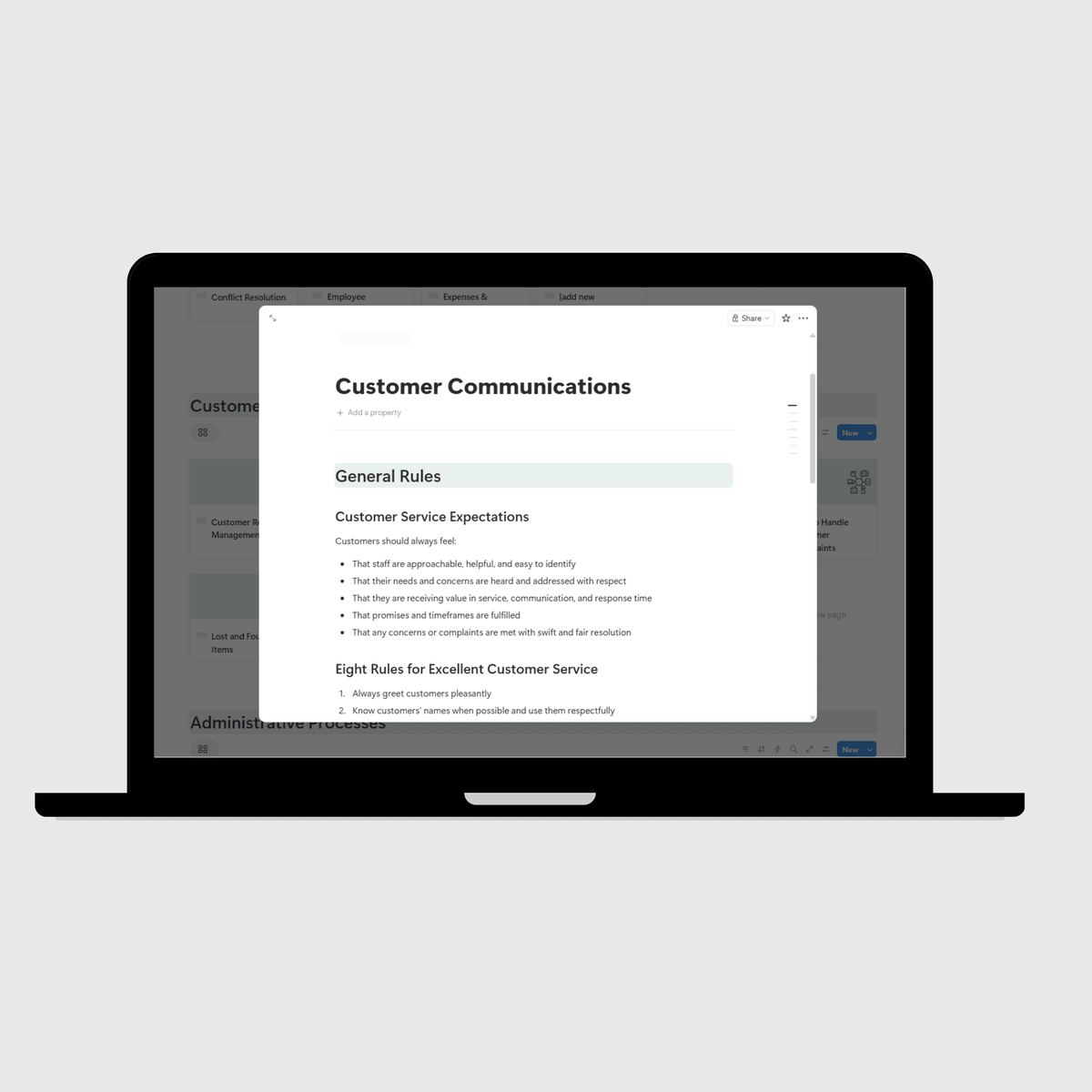
When It's Time to Move to Notion
The move doesn't have to be all at once. Keep Google Drive for what it does well, like signed contracts, spreadsheets, and branded client documents, and move your SOPs, checklists, guidelines, and training into one structured operations manual. Your Google Drive files can be linked inside the relevant pages, so nothing gets lost.
For a step-by-step migration plan, see how to move your business SOPs from scattered documents to a digital operations manual.
You also don't need to design the structure yourself. Our operations manual templates are pre-built in Notion, with the sections and pre-written SOPs already in place, so you can paste in what you've written in Google Docs and fill the gaps from there.
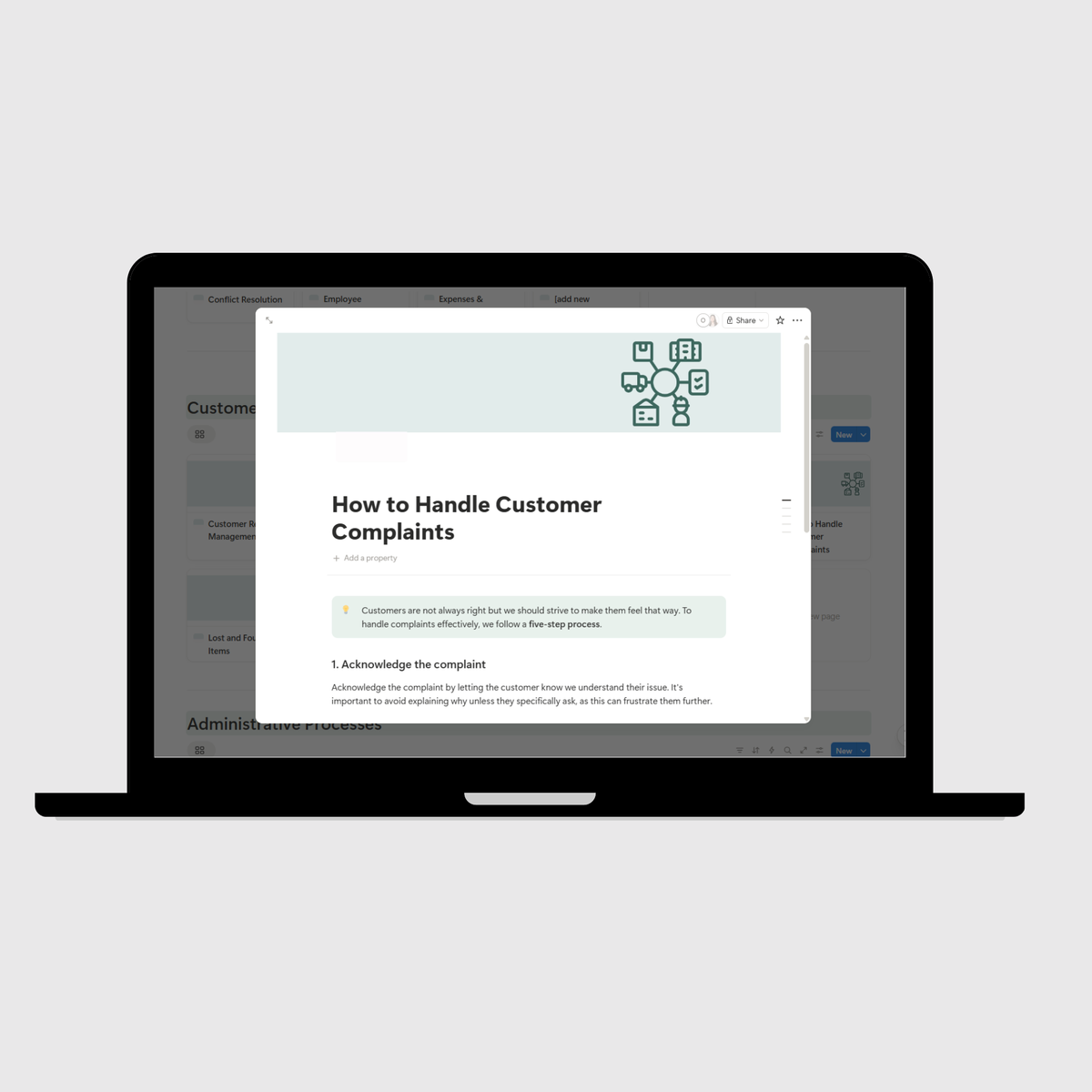
Collision Xperts, an auto collision repair company in Arizona, came to us with plenty of documentation that was disconnected and hard to find. We reformatted and improved their existing documents and brought them into one 13-section manual in Notion, and onboarding and training time for new hires dropped significantly. Read the Collision Xperts case study.
Frequently Asked Questions
Can I write SOPs in Google Docs? Yes. Google Docs works well for writing your first SOPs. The problems start when you have many SOPs and need them organized, linked, and easy for your team to find.
What should an SOP template include? A clear title, a one-sentence purpose, scope and owner, the last reviewed date, tools and materials, numbered steps, a quality check, and links to related documents.
How do I organize SOPs in Google Drive? Use one shared SOP folder with subfolders by team, a consistent naming convention, and one index document that links to every SOP.
When should I move my SOPs out of Google Docs? When your team struggles to find the right SOP, versions multiply, or new hires need a structured path through your documentation rather than a folder of files.
Ready to turn your SOPs into a system?
Get the Small Business Operations Manual Template, pre-built in Notion with 60+ SOPs ready to customize.
Prefer to have it done for you? See how our Custom Operations Manual service works.