

Operations Manual Template: What to Include, Section by Section
By Asli KahramanMost operations manual templates you'll find online are either a table of contents with empty headings or a single SOP form. Neither tells you what actually belongs in an operations manual, or how the pieces fit together.
This guide is the outline we use when we build operations manuals for businesses. It goes section by section: what each part is for, what goes inside it, and real examples from manuals we've built. Use it to build your own, or to judge whether a template you're considering is complete.
If you're looking for the step-by-step process of creating a manual, see How to Create an Operations Manual for Your Small Business. This post focuses on the structure.
What an Operations Manual Template Should Include
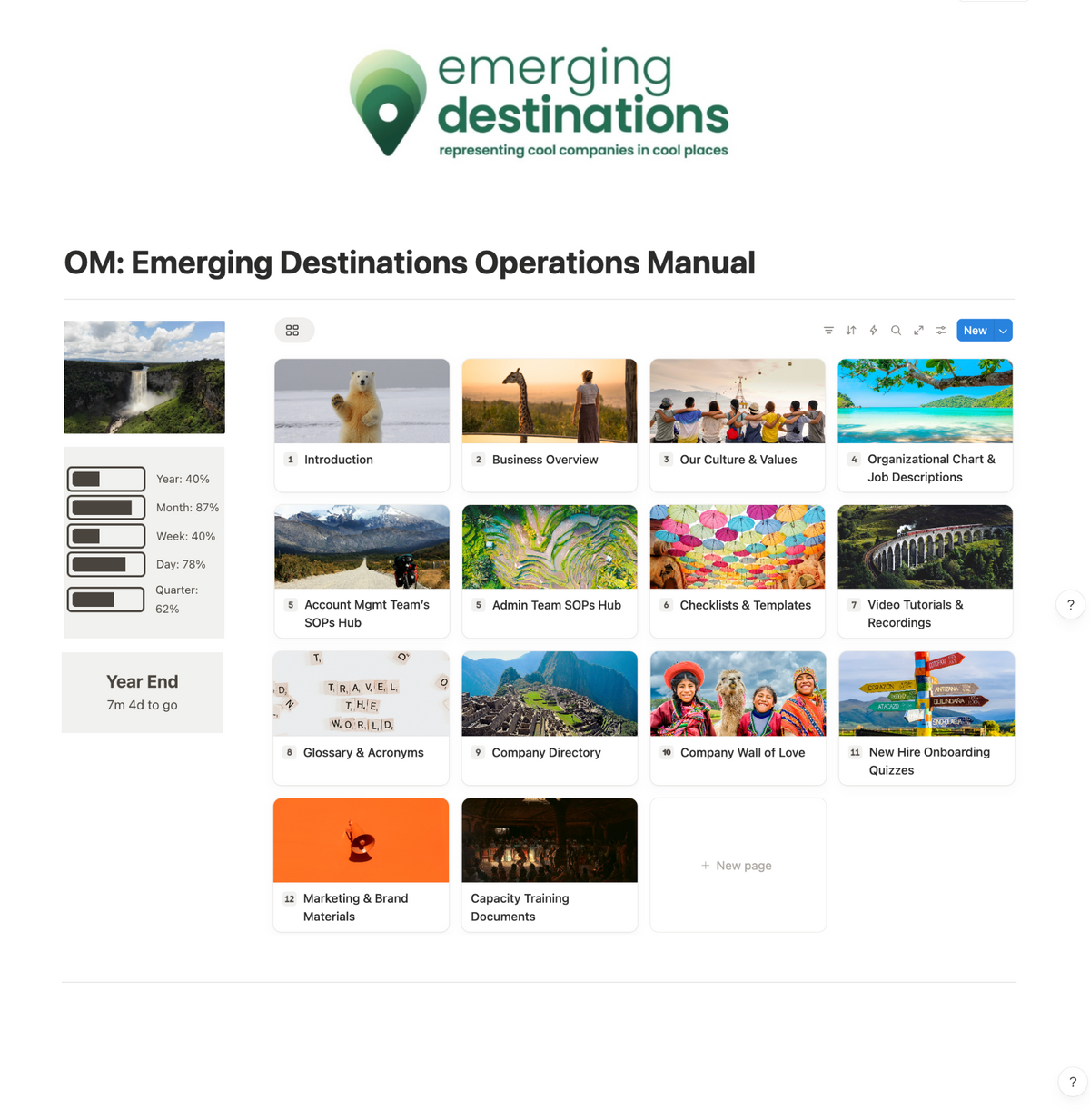
A complete operations manual covers more than procedures. It explains who the business is, who does what, how each task is done, and where to find everything. Here are the 13 sections we include in our templates, in order.
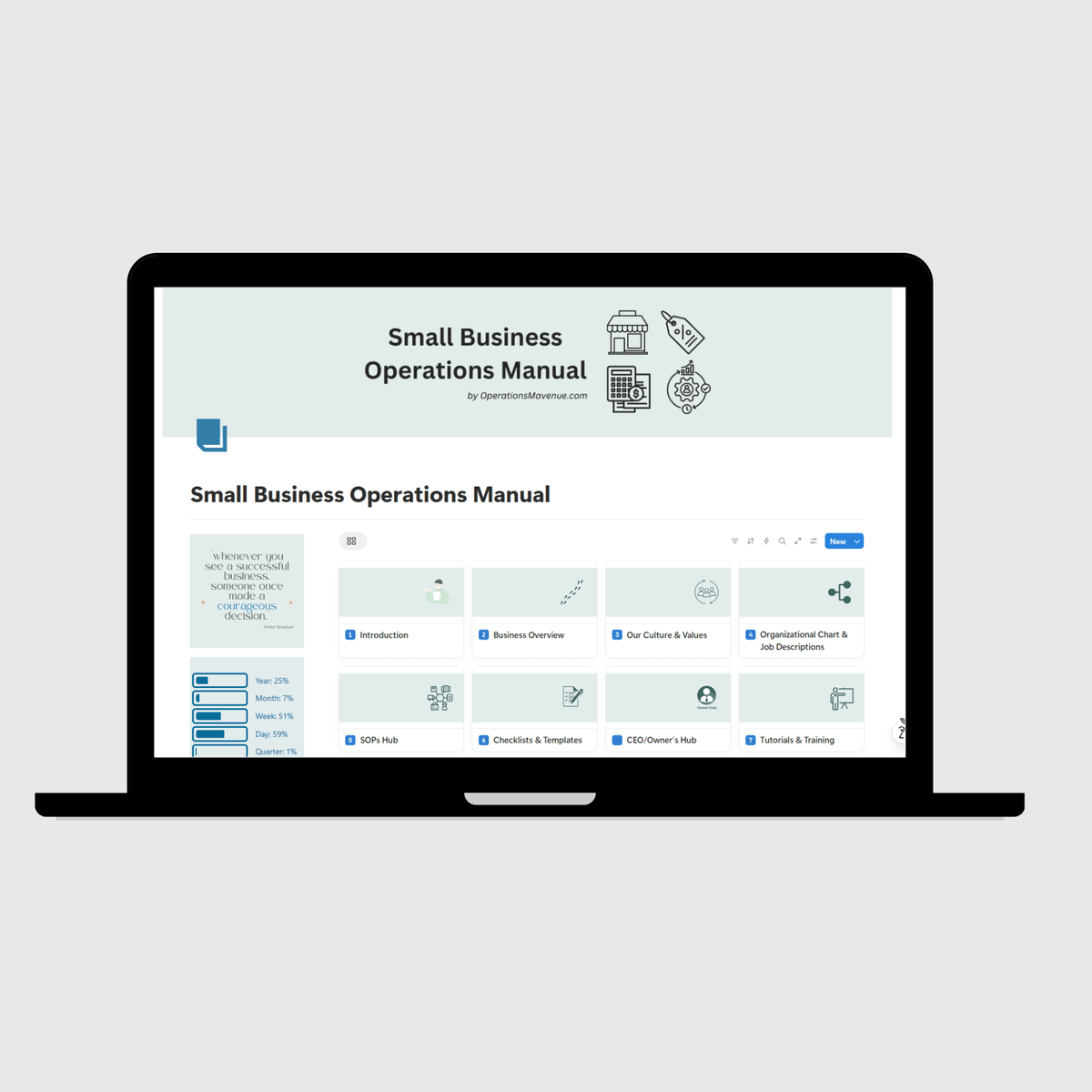
1. Introduction
Orients every reader: what the manual is for, how to navigate it, how it's kept up to date, and any confidentiality expectations. Keep it short. Its job is to make the rest of the manual easy to use.
2. Business Overview
Who the business is: the founder's story, mission and vision, the services or products you offer, and your full tech stack. New hires should be able to read this and explain the business to someone else.
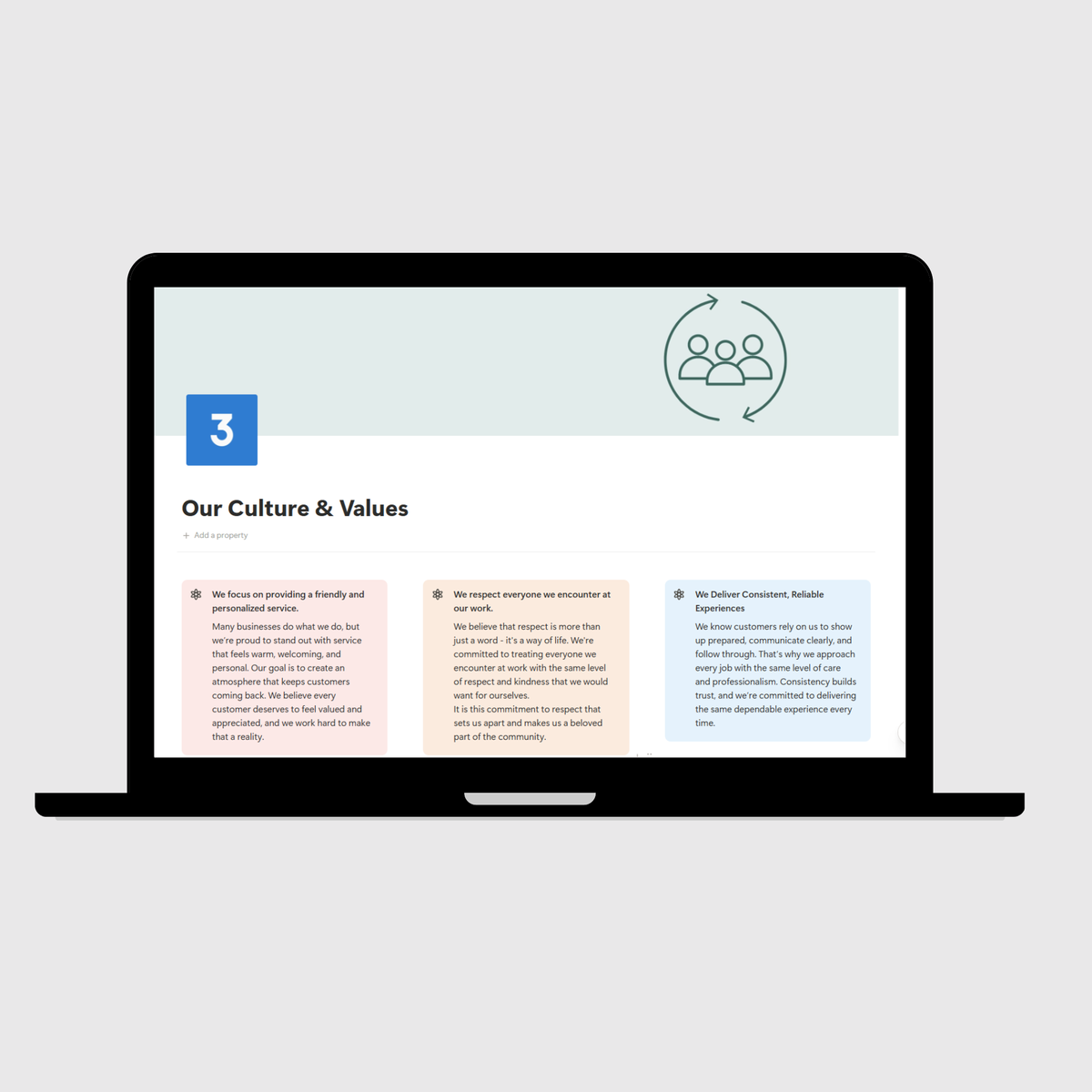
3. Culture and Values
The principles that guide decisions. This section helps team members make choices that reflect what matters to the business when nobody is there to ask.
4. Organizational Chart
Every role, who it reports to, and which team it belongs to. Seeing the structure clears up a surprising amount of confusion about ownership.
5. Job Descriptions
A full description for every position. A practical tip: build each job description as its own page. For Landworks Fence, a fencing company, every job description was built as a tile that can be copied directly into a job board posting when it's time to hire. See the Landworks Fence case study.
6. SOPs Hub
The heart of the manual. Organize SOPs by team or function rather than in one long list, so each person goes straight to what applies to them. A common structure is an all-staff hub plus one hub per team, such as sales, office, field, and management.
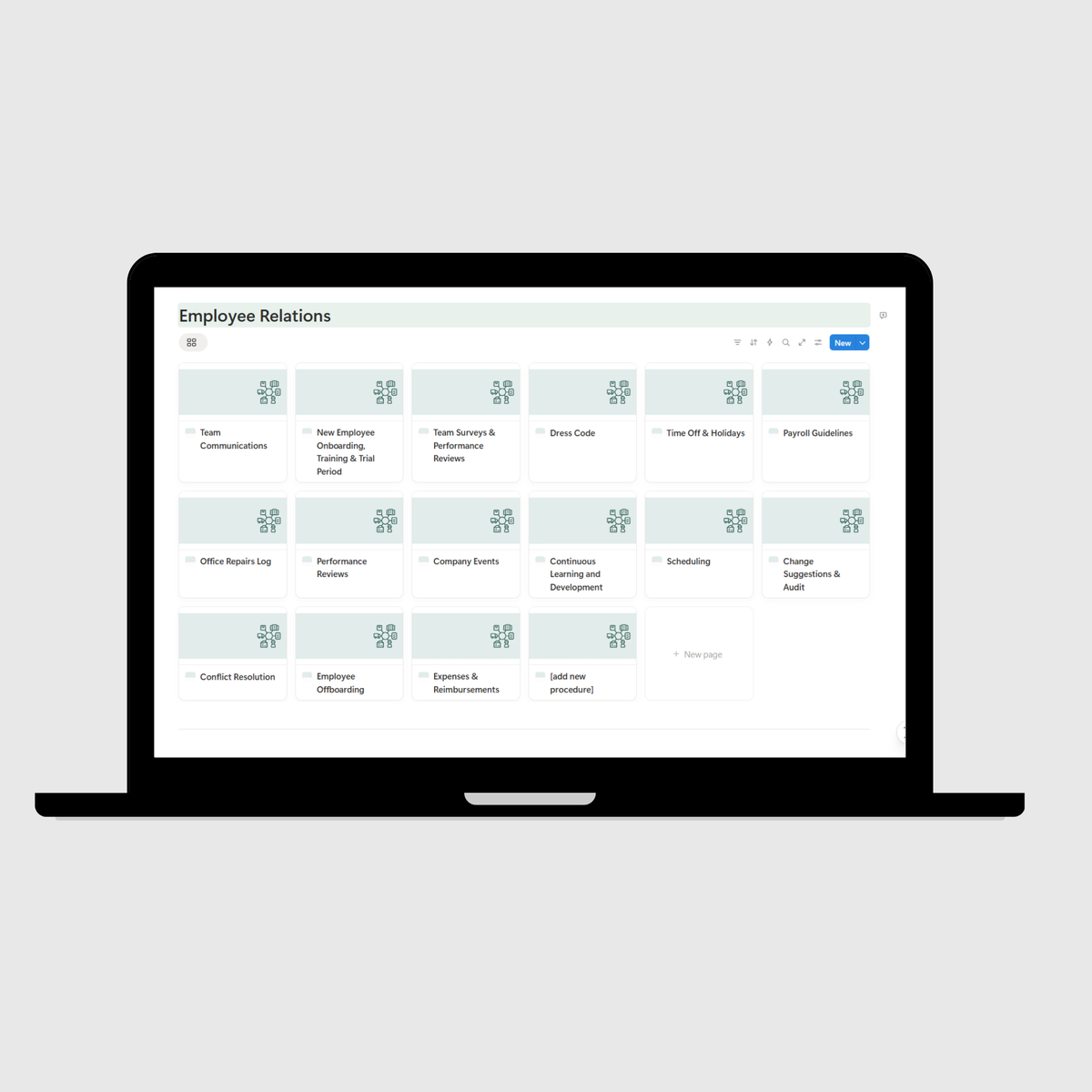
Inside the hub, start with the customer journey: the end-to-end path a client takes from first contact to completed work. For Collision Xperts, an auto collision repair company, the operations hub documents two full journeys: one for repairable vehicles with 21 workflows, and one for total loss vehicles with 9. See the Collision Xperts case study.
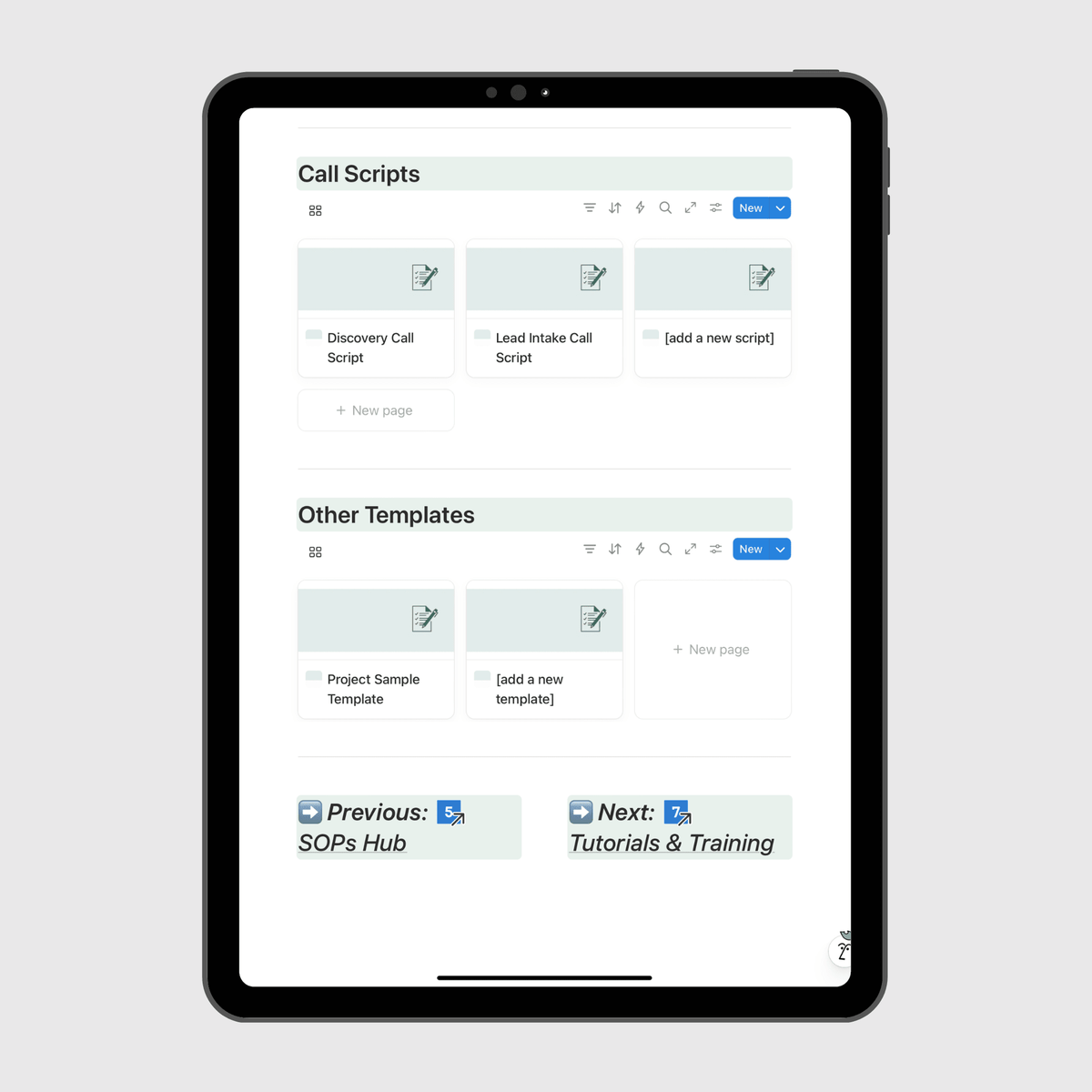
7. Checklists and Templates
The tools your team uses to do the work: onboarding checklists, opening and closing checklists, quality control checklists, email templates, call scripts, and forms. Keeping them in the manual means everyone uses the current version.
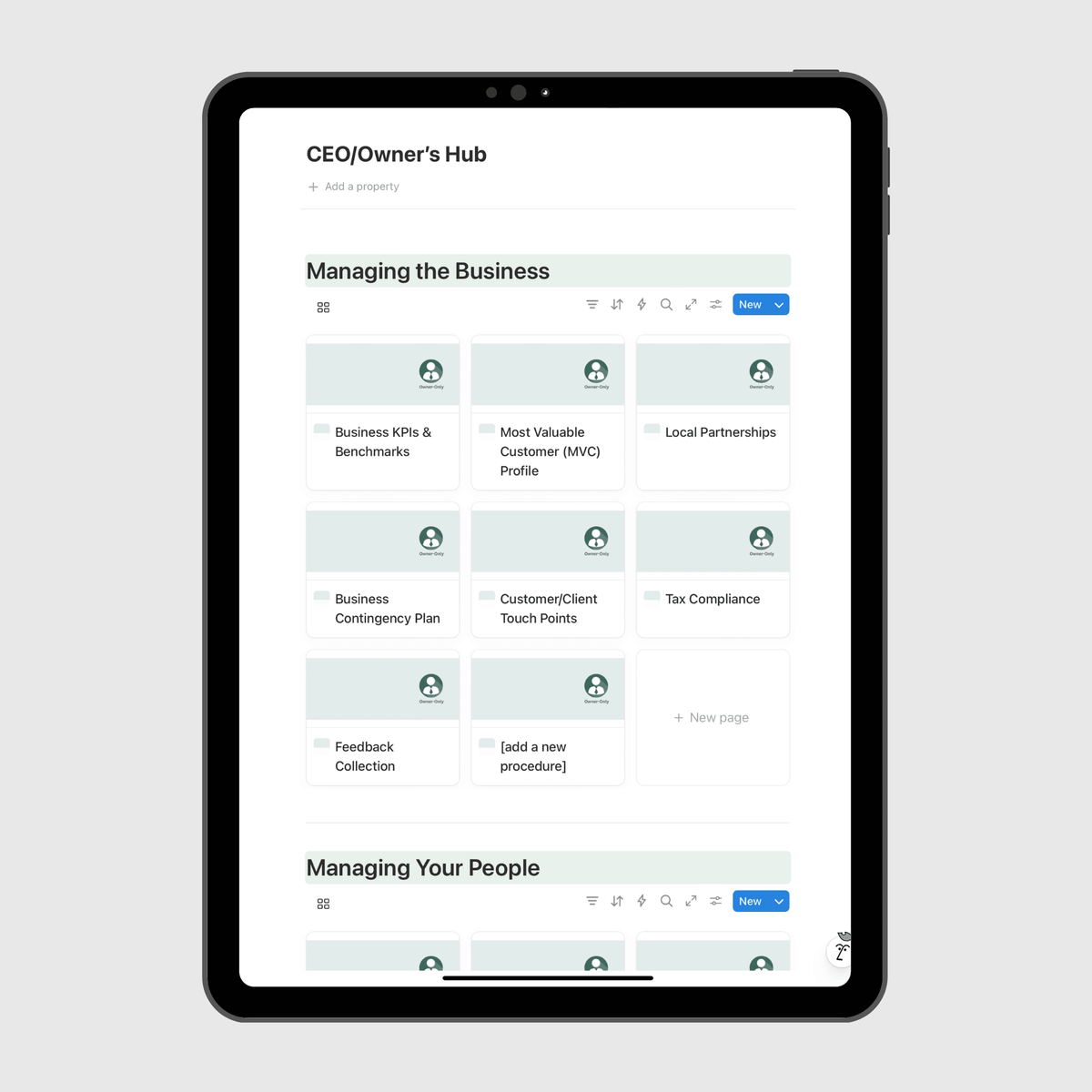
8. Owner-Only or Management-Only Section
Material only leadership should see or edit: meeting agendas, KPIs, accountability charts, pricing and commission calculations, and HR documents. Restricting access here lets you share the rest of the manual freely.
9. Tutorials and Training
Short walkthroughs of the software your team uses every day, plus training roadmaps for each role. Video works especially well here.
10. Glossary
Industry and company terms that new hires may not know. It helps people from outside your industry follow conversations from day one.
11. Company Directory
Internal contacts, plus the external ones your team needs: partners, vendors, subcontractors, and maintenance or repair providers. For Aurora Flooring, the directory also lists the company's vehicles. See the Aurora Flooring case study.
12. Company Wall of Love
Client feedback, reviews, and team milestones. It reminds the team what good work looks like from the client's side, and it's a good morale boost.
13. New Hire Onboarding Quizzes
Short quizzes that confirm a new hire has read and understood the manual before moving on to hands-on work. They turn "I read it" into "I know it".
How Many SOPs Should an Operations Manual Have?
There's no fixed number. It depends on the size of the team and how many distinct processes the business runs. For reference, the manuals in our case studies range from 124 SOPs for a fencing company to 320 SOPs across 18 sections for a 60-person flooring and roofing company. Every one of them started with the core sections above.
Template vs. Building From Scratch
The structure above is the hard part to get right, and it's the same for most businesses. That's why starting from a pre-built template saves so much time. Our templates are hosted in Notion and follow this structure, adapted to each industry. The Small Business Operations Manual Template, for example, includes 13 main sections populated with pre-written content and more than 60 SOPs based on industry best practices, a Template-to-Tailored Roadmap to help you customize it step by step, and a free 30-minute Audit & Walkthrough Call.
We have industry-specific versions for small businesses, consulting businesses, medical clinics, law firms, restaurants, real estate agencies, Airbnb businesses, coffee shops, fitness studios, coaching businesses, retail stores, digital marketing agencies, and property management companies. Browse all templates.
If you'd rather have the manual built around how your business actually runs, our Custom Operations Manual service extracts your processes through structured interviews and builds the full manual for you in Notion.
Frequently Asked Questions
What should an operations manual template include? An introduction, business overview, culture and values, org chart, job descriptions, an SOPs hub organized by team, checklists and templates, a management-only section, tutorials and training, a glossary, a company directory, a wall of love, and new hire onboarding quizzes.
What's the difference between an SOP template and an operations manual template? An SOP template documents one process. An operations manual template is the structure that organizes all of your SOPs together with everything else your team needs. We compare the two in Standard Operating Procedure Templates for Small Businesses.
Where should an operations manual live? In a searchable, cloud-based workspace your team can open on any device. We build ours in Notion.
Is an operations manual the same as an employee handbook? No. An employee handbook covers employment policies. An operations manual covers how the business runs, including the processes, roles, and tools. The handbook can live inside the manual as one part of it.
Ready to build your operations manual?
Browse our pre-built operations manual templates to get started today.
Fill out our Custom Inquiry Form if you'd rather have it built for you.